
Browse your way
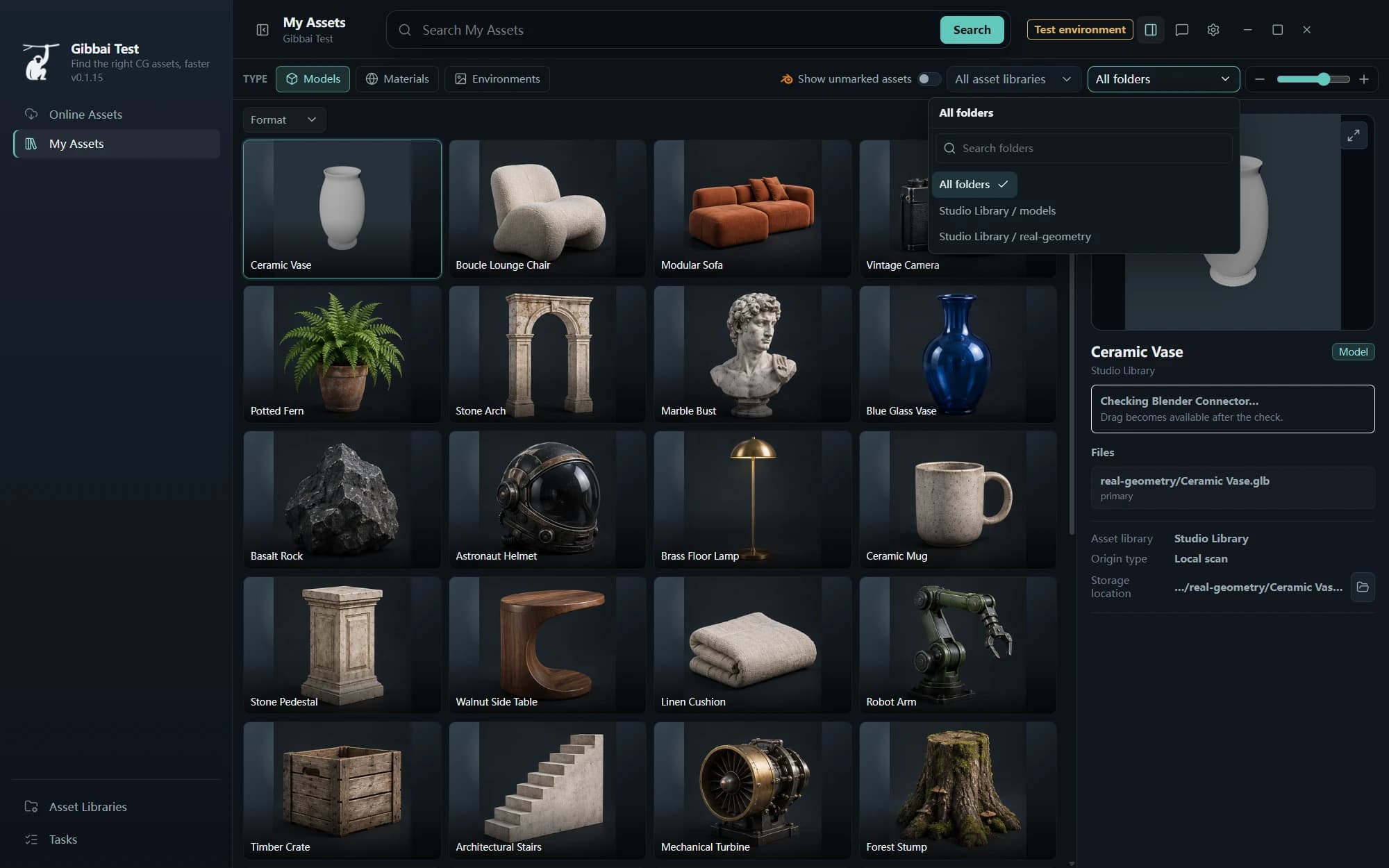
Narrow results by library, folder or asset catalog.
For Blender & CG creators
Bring the assets in your folders, old projects and archives into one workspace. Find a model, choose a material, explore lighting. Get back to making.
Windows x64·Start with the assets you own
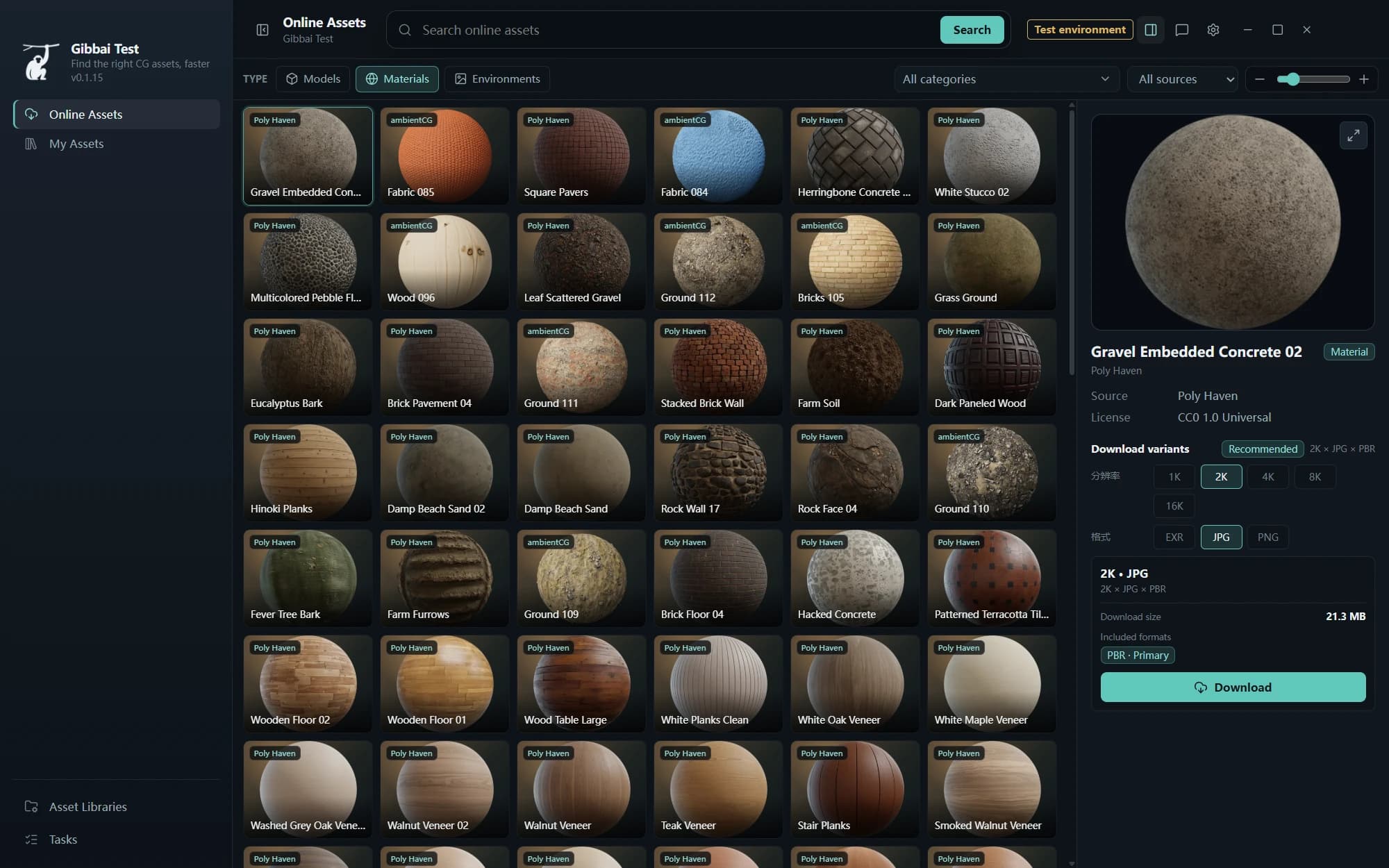
Actual client interface · example assets
01 / REDISCOVER
Downloads, project archives, your favorite asset drive. Add the folders you need and search models, materials and environments together. Start before everything is perfectly organized.
Narrow results by library, folder or asset catalog.
Preview, format, source and file location, together.
Index chosen folders and keep your existing structure.
 Overview
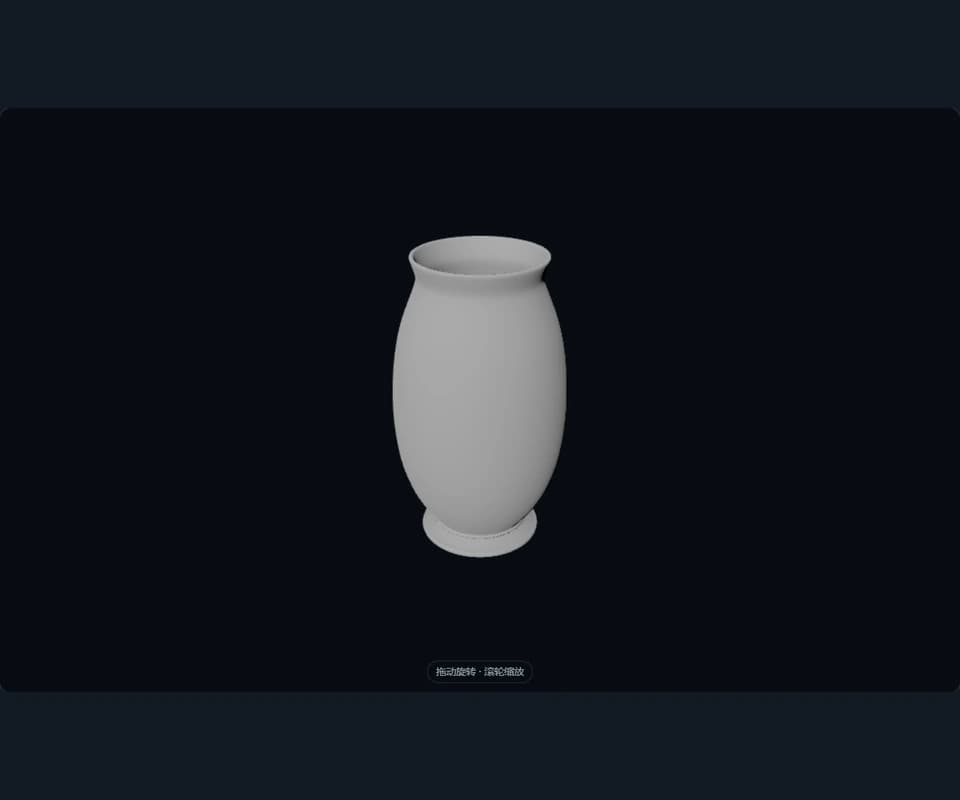
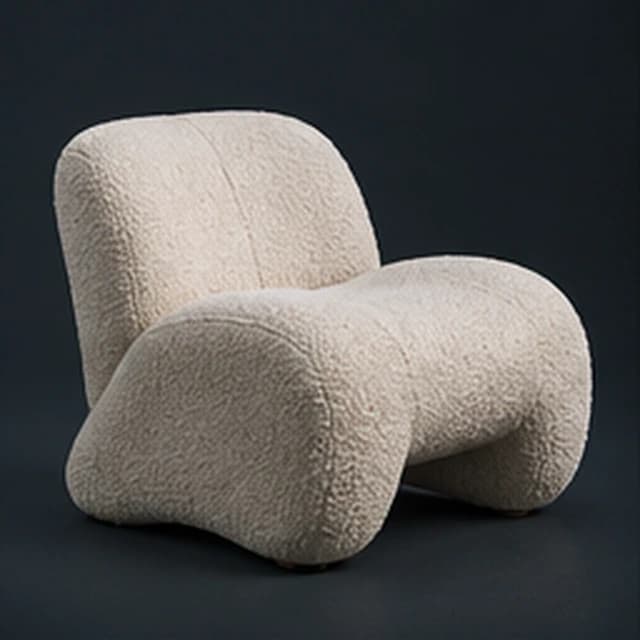
Actual client preview of a real GLB model
02 / LOOK CLOSER
Silhouette, surface, scale. Open supported models in real-time 3D, rotate and zoom, and see whether an asset belongs in your scene.
FBX / GLB / GLTF / OBJ / PLY / STL
03 / OPEN UP YOUR ARCHIVES
Enable Show unmarked assets to discover objects, collections, materials and worlds inside Blender files. Bring content from past projects back into your choices.
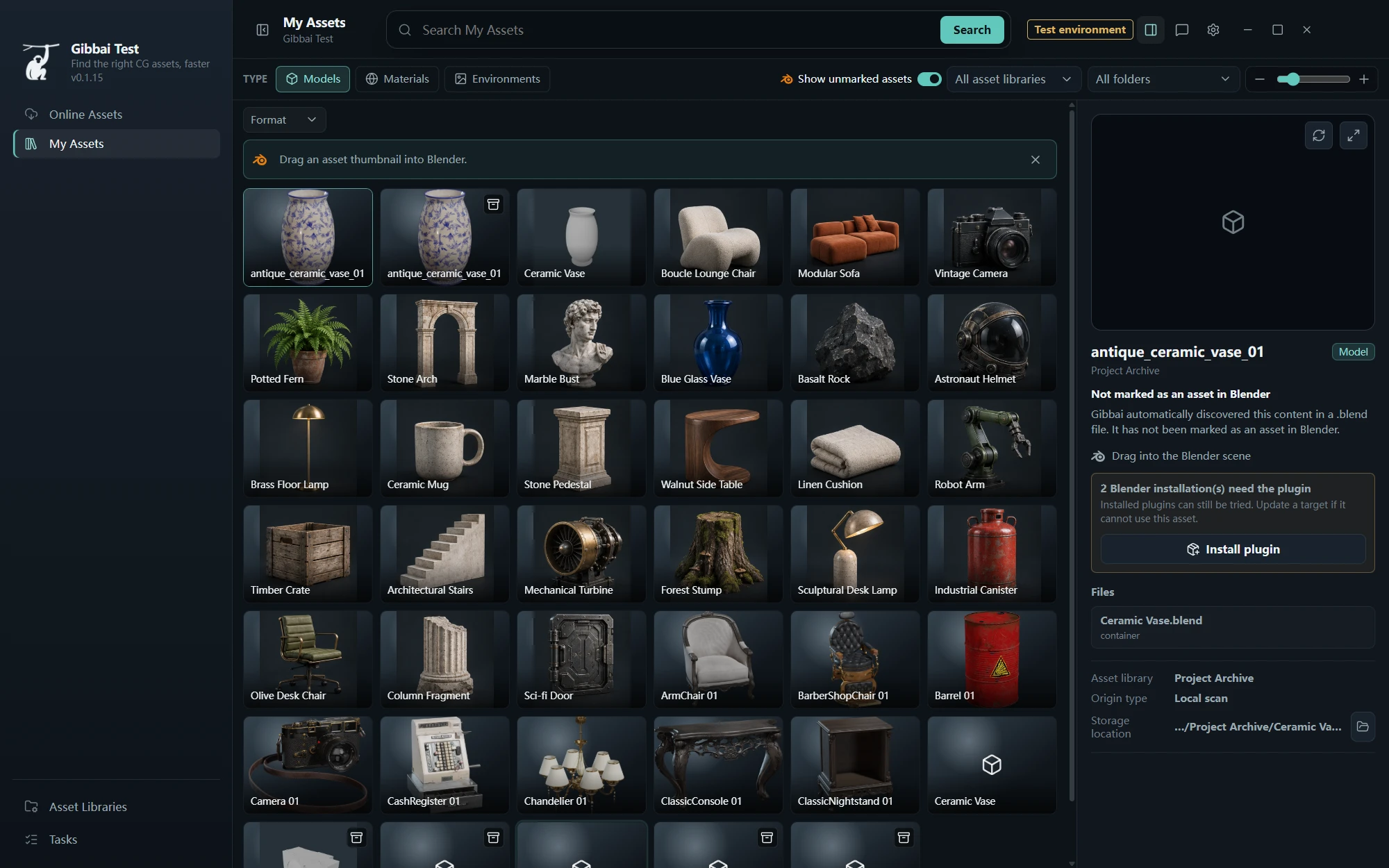
Expand your search without changing the source file.
Discover supported assets inside ZIP archives and inspect member paths. Prepare the content when you need it, instead of manually opening every archive first.
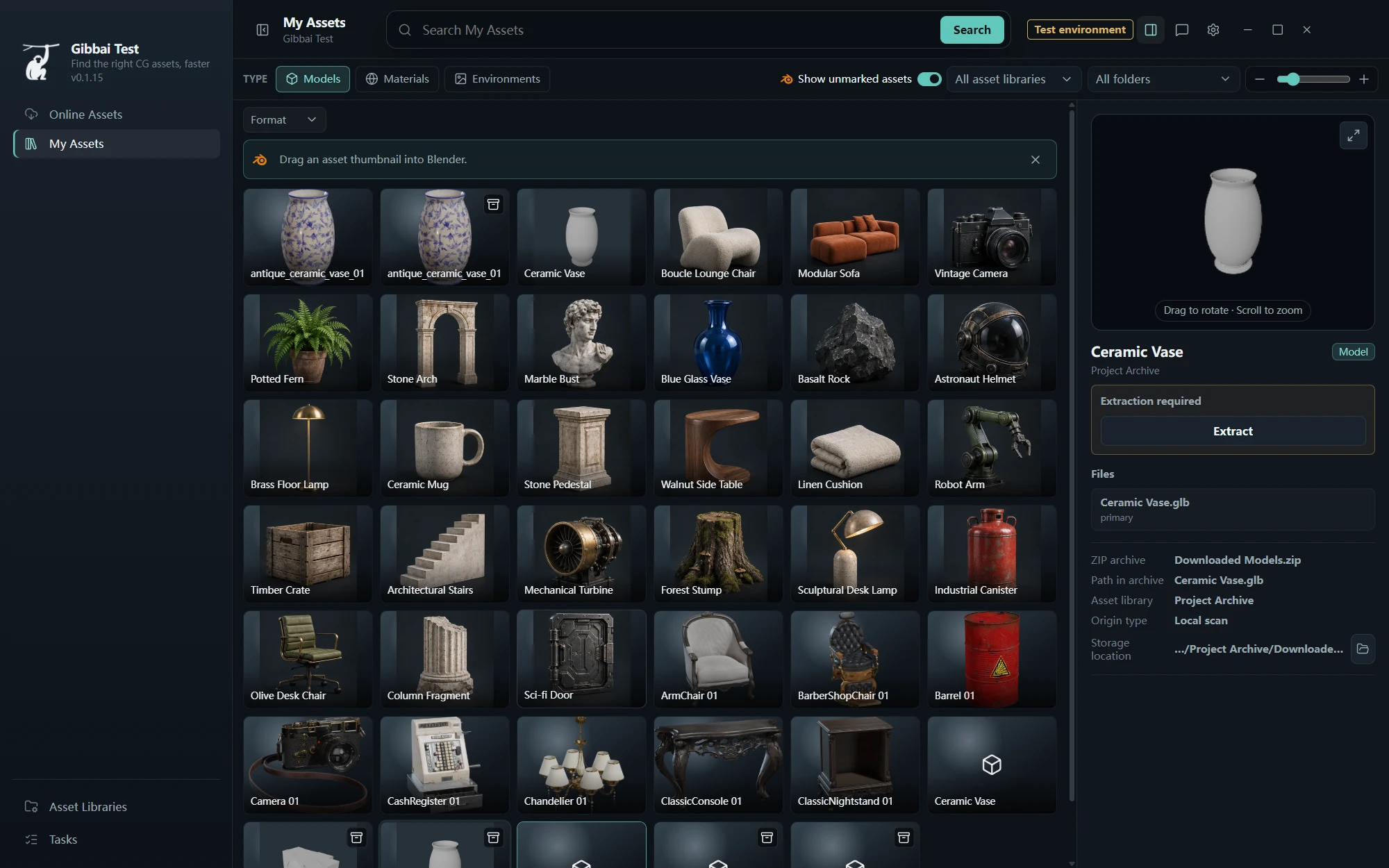
See archive contents and their readiness status.
04 / EXPAND YOUR OPTIONS
Browse online models, materials and HDRIs. Check the source, license and available variants. Choose what you need, download it locally, and continue in your asset workspace.
05 / BRING IT INTO YOUR SCENE
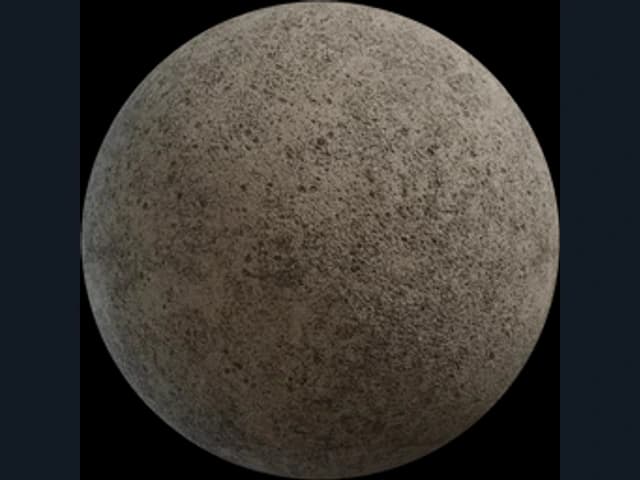
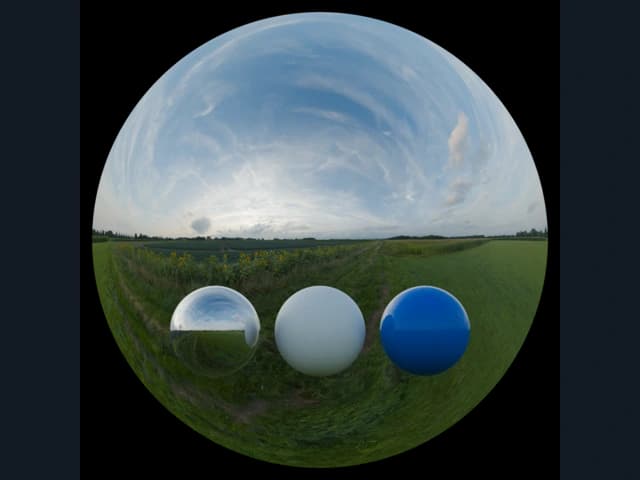
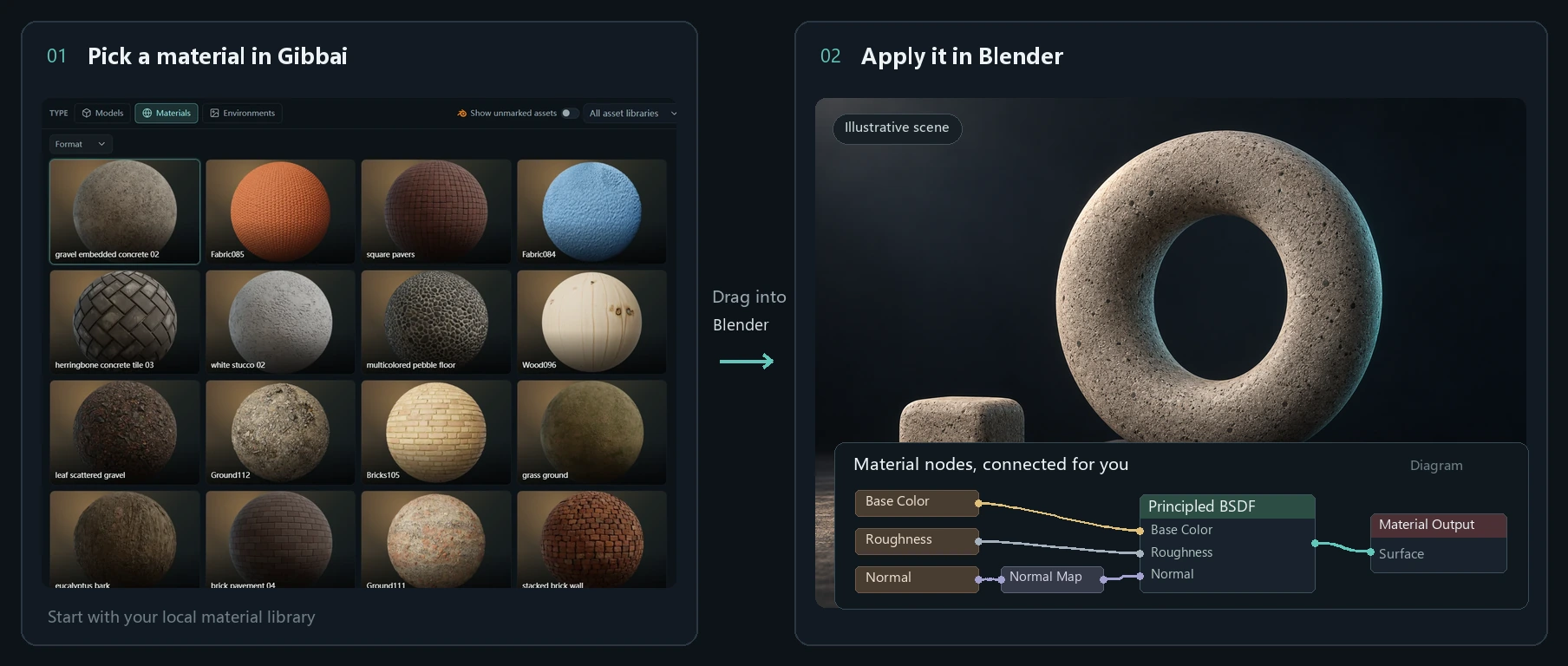
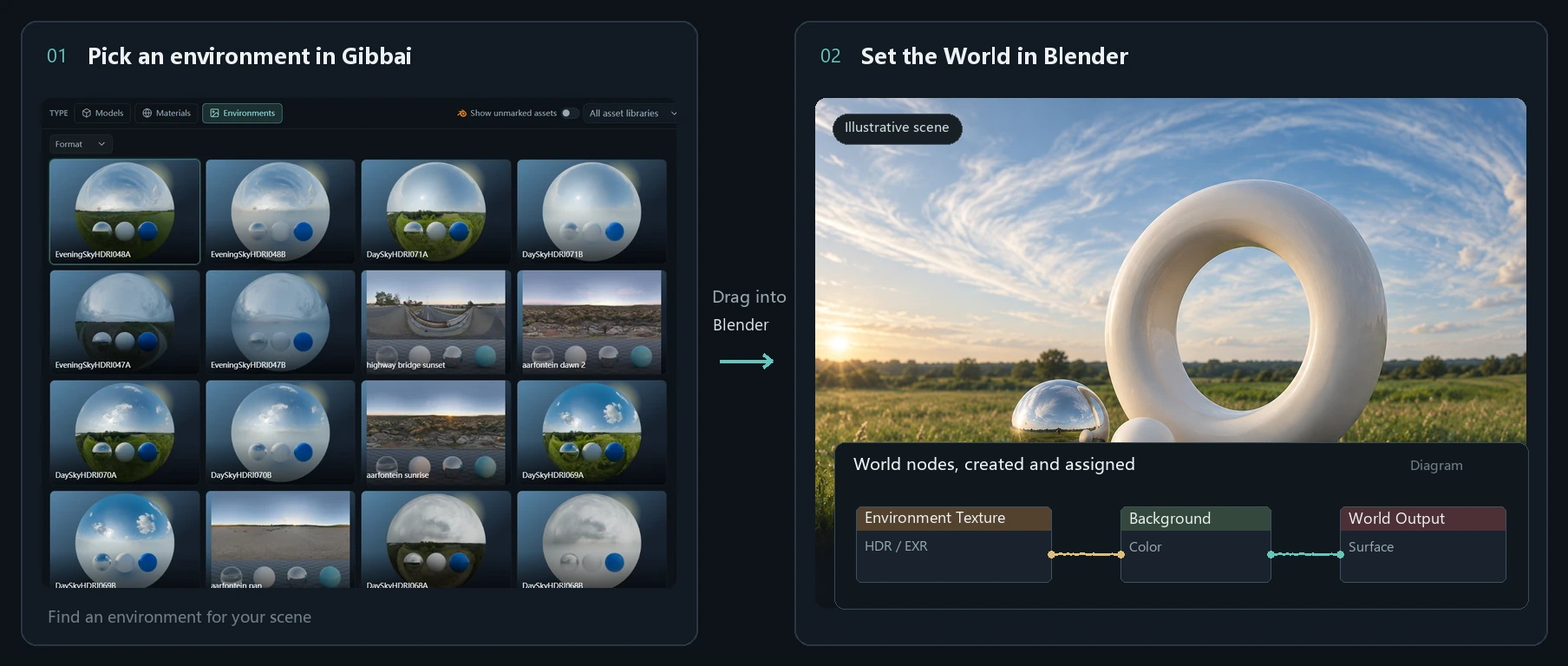
Choose an asset and keep creating. Materials connect and environment lighting falls into place, saving you from importing each texture and building the nodes by hand.
Install and connect a compatible Blender Connector before use.
Automatic PBR materials
Base color, roughness, normal and other supported maps connect automatically, creating a material and applying it to your target object.
Automatic HDRI Worlds
World nodes are created and assigned to your current scene, so you can quickly try different lighting and reflections.
FROM ASSET TO SCENE
Add an asset library and let Gibbai scan and recognize its content.
Narrow your search with keywords, types, catalogs and folders.
Check previews and files to choose what belongs in your scene.
With a compatible Connector ready, drag supported assets into Blender.
BACK TO CREATING
Download Gibbai and add your first asset folder.
89acc91903633b1d52c08a1714f96da1ac4a0469d4483a0a26ebb6369de27fa0Windows x64 · current published installer only

Scan to add our WeCom contact
Demo QR · Contact is not active yet